

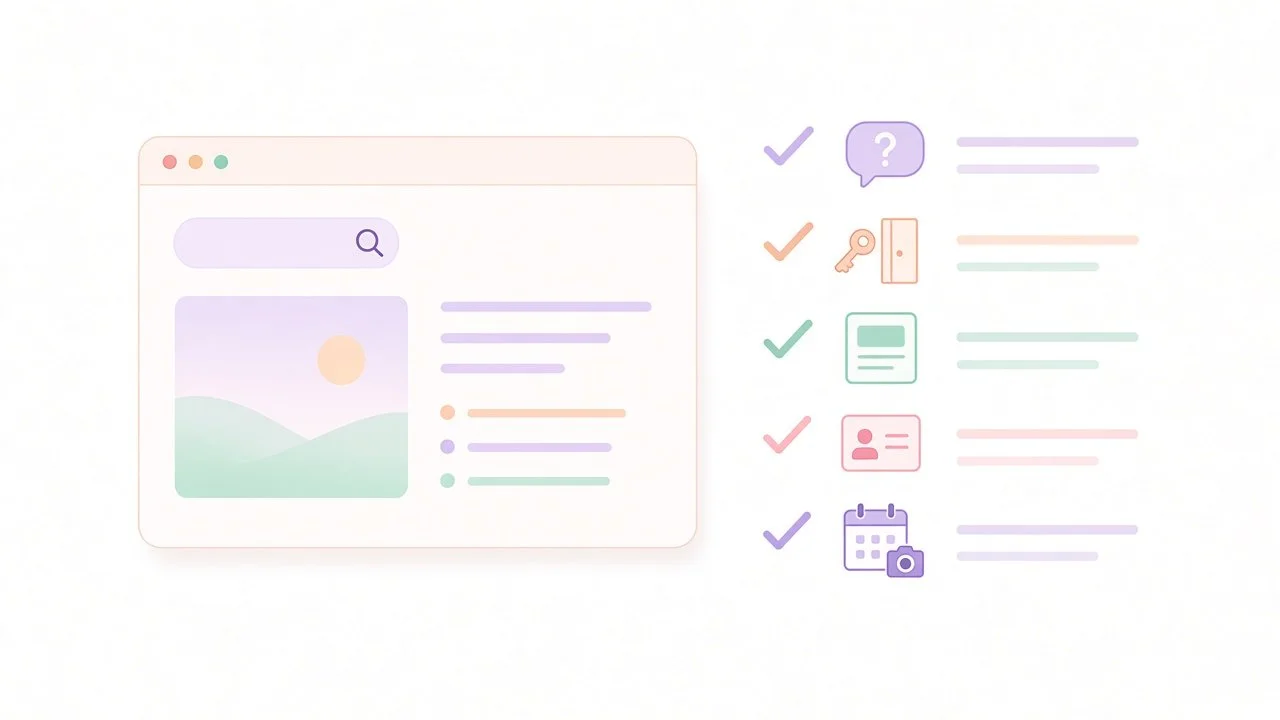
Five checks to help ChatGPT search find and understand your website.
Five practical checks to help ChatGPT search find your business: know your clients’ questions, let OpenAI’s search crawler in, answer clearly, keep your details accurate and track simple snapshots.
In our last post, AI reads more than your website, we looked at how reviews, directories and articles about you can shape AI answers. This time we're looking closer to home: your own website, and whether ChatGPT search can reach it at all.
It's a useful check for any founder-led business, whether you're an HR consultant, a clinic or a financial adviser.
One honest point first. Nothing here guarantees that ChatGPT will mention, link to or recommend your business. OpenAI says plainly that placement is not guaranteed. What these checks can do is remove the avoidable reasons you might be left out.
The five-check structure was inspired by a guide from Searchable. Their ideas are one company's advice, and we've adapted them for professional-service businesses.
First, three words worth separating
When people talk about "showing up in ChatGPT", they often mean three different things:
A citation is a source link in the answer. It lets the reader check where information came from. OpenAI notes that search results and citations can be incomplete, outdated or incorrect.
A mention is when your business is named in the answer. It might be positive, neutral or negative.
A recommendation is when the answer positively suggests you.
It also helps to know that not every ChatGPT answer uses the web. ChatGPT may search the web automatically when a question would benefit from current information, or people can choose Search themselves. When it does search, it can show links to its sources. This post is about that search side.
Check 1: Start with the questions your clients really ask
Before you touch your website, write down the questions people ask you before they buy.
Where to find them
Enquiry emails and discovery calls
Questions you answer again and again
Search queries that already bring people to your site from Google, which Search Console's Performance report can show
Keep the list short and real
For example, an HR consultant might note "Do I need an HR consultant for a 20-person business?" A clinic might note "What happens at a first appointment?"
How many questions? There's no official number. As an editorial suggestion, a short list of five to ten is plenty to start. You don't need a separate page for each one either. Many questions are best answered as a clear section on a page you already have.
Check 2: Make sure OAI-SearchBot can reach your site
This is the most technical check, and the one OpenAI is clearest about.
Know which crawler is which
OpenAI uses different crawlers for different jobs, explained in its overview of OpenAI crawlers:
OAI-SearchBot is for ChatGPT's search features. OpenAI says sites that opt out of it will not be shown in ChatGPT search answers, though they can still appear as navigational links.
GPTBot is for crawling content that may be used to train OpenAI's AI models.
Each setting is independent. You can allow OAI-SearchBot for search while blocking GPTBot from training, or the other way round. Allowing the search crawler only affects ChatGPT search.
What OpenAI says to check
OpenAI's help article says that to make a website eligible for inclusion, you should:
Allow OAI-SearchBot in your site's robots.txt file.
Confirm your website host or content delivery network (CDN) allows traffic from OpenAI's published search crawler IP addresses.
You can see your robots.txt by adding /robots.txt to your web address. If you use Squarespace, Wix or similar, check your platform's settings for any AI crawler blocking options. If you use a firewall or security service, ask whoever manages it whether bot traffic is being blocked.
OpenAI also notes it can take around 24 hours for its systems to adjust after a robots.txt change.
Access is only the first step
These access checks help remove technical barriers. Inclusion is still never guaranteed. OpenAI says it ranks search results using multiple factors intended to help people find relevant, reliable information.
Check 3: Make your pages answer those questions clearly
Once your site can be reached, look at whether your pages actually answer your client questions.
Answer early, in plain words
This is our own editorial advice. Use a heading that reflects the question, then answer it in the first sentence or two. Add the detail and context underneath. It's a good habit for every reader. Google's guidance on helpful, people-first content points in the same direction.
Be specific about what you do
Say who you help, where you work and what the first step looks like. Vague lines such as "bespoke solutions for every client" give a reader, or a search tool, little to work with.
Keep the answer in the page text
Our recommendation is to write your key answers as ordinary text on the page and avoid putting them only inside images. It's simple to check, easy for visitors to read and easy for you to update.
Check 4: Keep your business details accurate everywhere on your site
When someone asks about your business by name, the answer may draw on your own pages. Small inconsistencies can cause confusion.
A quick consistency check
Look across your home, about, services and contact pages:
Is your business name written the same way?
Are your services and locations described consistently?
Are contact details, team names and qualifications current?
Do older blog posts still describe services you no longer offer?
This is simple editorial housekeeping. OpenAI does advise people to open cited sources and check them, so it makes sense for the source to be right when they do.
Check 5: Track simple snapshots over time
Once the basics are in place, you'll want to know if anything changes. The honest way to do this is with simple, repeatable snapshots.
How to take a snapshot
Pick a few of your client questions.
Ask them in ChatGPT, ideally with Search turned on, using the same wording each time.
Note the date, the exact wording, whether search was used, and any links shown under Sources.
Record whether your business was cited (linked), mentioned (named) or neither.
Why results move
ChatGPT's answers can vary between runs. OpenAI explains that search can use your approximate location and, if memory is on, saved memories when it rewrites a search. So keep conditions as similar as you can, and treat each check as one sample. Repeating the same check monthly is a reasonable rhythm, as an editorial suggestion.
If a competitor shows up and you don’t
If your snapshot shows a competitor named or linked when you aren’t, there are three common places to look. These are our own suggestions, as OpenAI doesn’t publish a full list of reasons.
ChatGPT search may not be able to reach your site. If your robots.txt file or your host’s security settings block OAI-SearchBot, your pages can’t be shown in ChatGPT search answers. Go back to Check 2 and allow OAI-SearchBot and OpenAI’s published IP addresses
None of your pages answers the question clearly. You might appear when people search for your business name and be missing when they ask a general question, such as “Which HR consultant can help a 20-person business?” Add a section that answers that question in its first sentence, as in Check 3.
Your details don’t match across your site. If your pages describe your services, locations or team in different ways, it’s harder for anyone to be sure what you offer. Run the consistency check in Check 4 and update anything out of date.
Even with all three in place, nothing guarantees ChatGPT will cite you. These steps simply close the gaps you can control.
Your seven-day action plan
An editorial suggestion for working through this in a week:
Day 1: Write down five to ten real client questions.
Day 2: Check your robots.txt and platform settings for OAI-SearchBot.
Day 3: Ask your web host or IT support about firewall or CDN bot blocking.
Day 4: Review the pages that should answer your top questions.
Day 5: Tighten the opening answer on one or two of those pages.
Day 6: Run the consistency check on your business details.
Day 7: Take your first snapshot and save it somewhere you'll find it next month.
Want the wider picture?
These checks cover your own website. For the full picture, including how other sites about you fit in, download our free Be Visible in AI Search playbook.
